The Long Way Guide
Build a custom website
with AI.
No developer, no template, no coding. I built my website with AI, and I wrote down every step, every tool and every prompt so you can build yours.
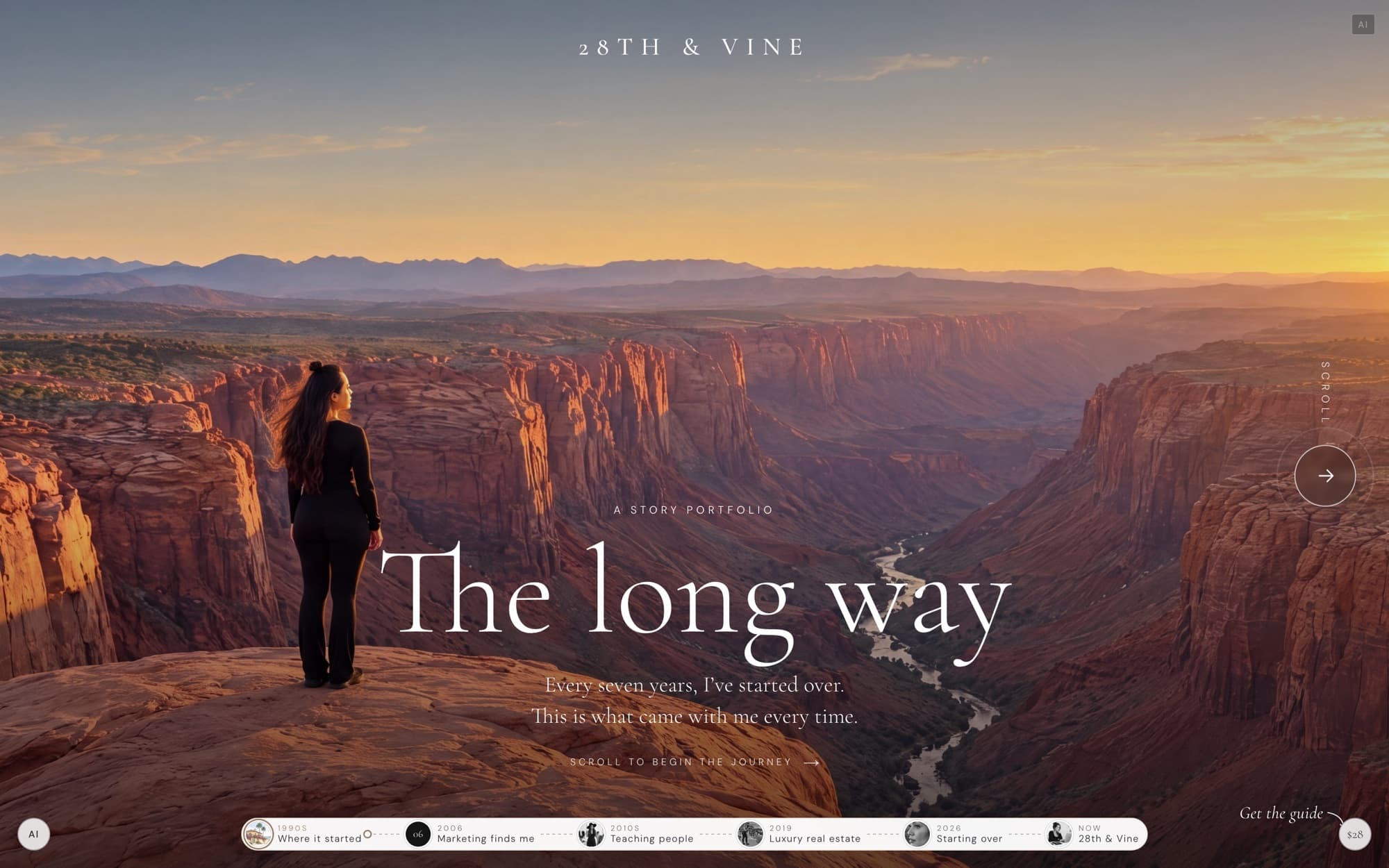
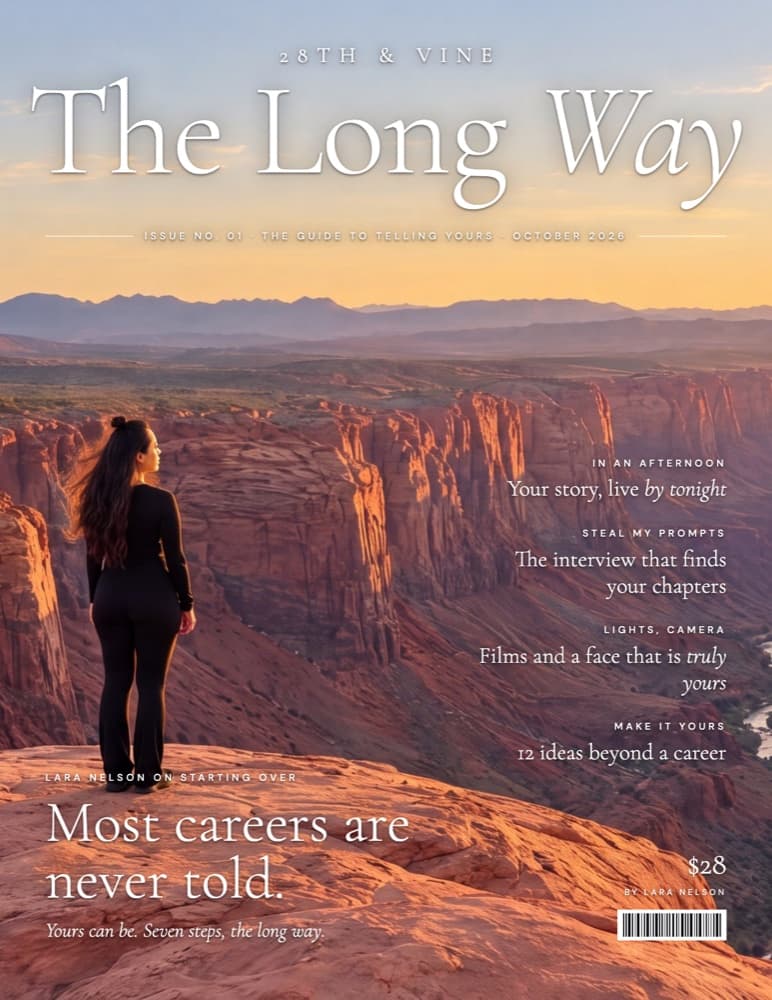
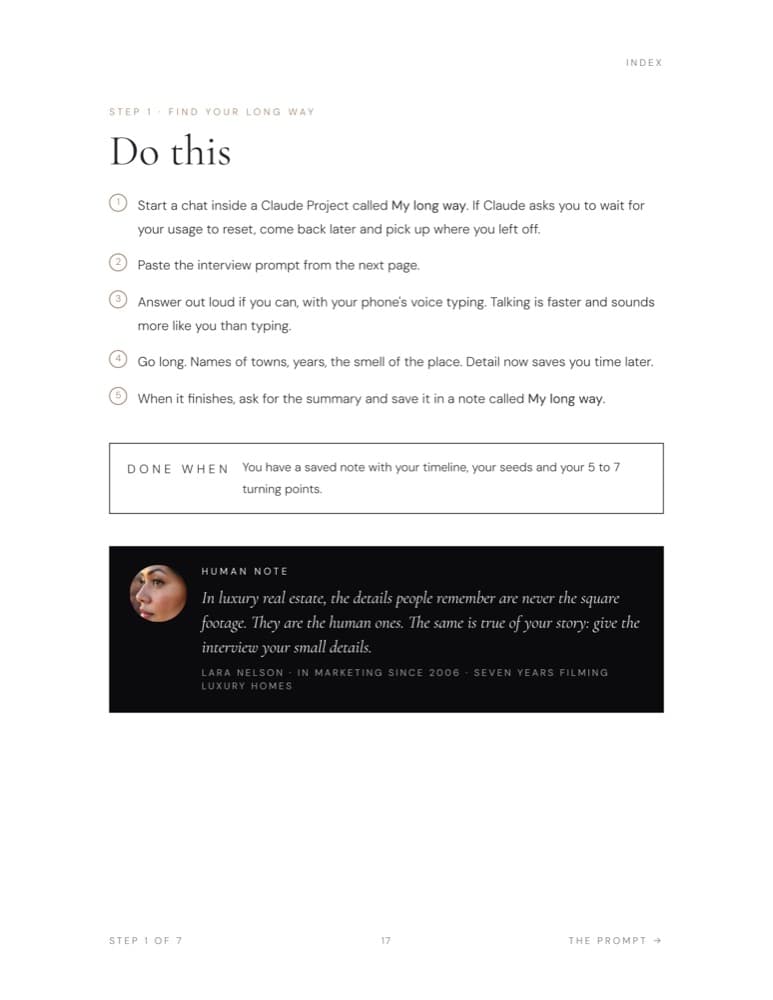
What you can build
- Your businessA home page that shows what you do and gets people to reach out.
- Your productA launch page for a product, an offer or a service.
- Your newsAn announcement, an event or an opening, on its own page.
- Your storyA story portfolio like mine: chapters, a map, a timeline and films.
What’s inside
- Seven steps, blank page to live linkIn order, each with a checklist and a clear finish line.
- Every prompt, ready to copy and pasteThe interview, the writing, the build and the launch, in a separate prompts file.
- Two pathsOne clean page in an afternoon, or the cinematic sideways scroll over a weekend.
- The exact tools I useClaude and Claude Code, OpenArt, Higgsfield, GitHub, Vercel and GoDaddy, and what each is for.
- What went wrong, and what fixed itThe problems I hit building mine, so you can skip them.
- Keeping it up to dateHow to change your page and publish again any time.
How it works
- i
Get the guide. $28, and it arrives in your inbox right away.
- ii
Follow the steps with Claude. Paste each prompt, answer in your own words, and watch your page come together.
- iii
Publish it. Your page goes live at a link you can share the same day you finish.
No coding. No templates. Every line is yours.
The AI tools are yours to bring: Claude Pro is $20 a month, and OpenArt and Higgsfield are only for the films. Results depend on you; see the fine print inside the guide.
Not ready yet?
Try the first prompt free.
Prime the canvas: the message I send Claude Code before I build anything. It goes straight to your inbox.
A few emails from me, and you can unsubscribe anytime.
I made this for business owners who want to get in front of AI instead of behind it. I can’t wait to see what you build.
Warmly,
28th & Vine
P.S. Rather I build it for you? Here is how that works.